Introduction
Create a Next.js app with editable UI and guidance for your coding agent.
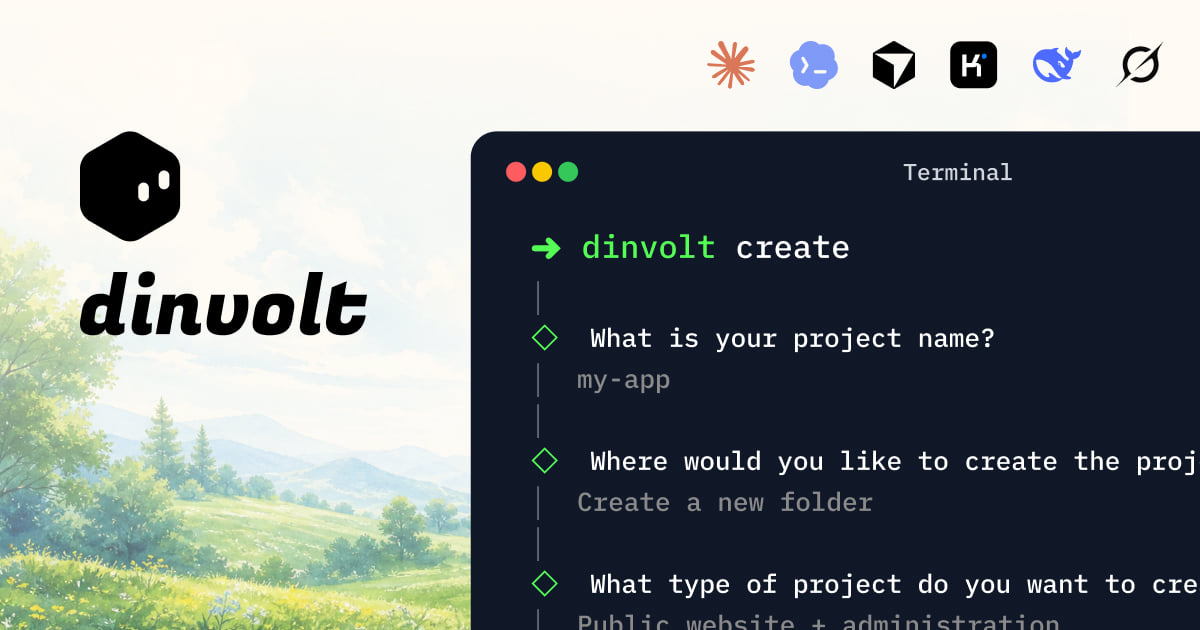
Dinvolt creates a Next.js application with ready-to-edit UI, project conventions and skills for your coding agent.
You own the generated source. No Dinvolt account or subscription is required.
Start here
- Quickstart: create a project and run it locally.
- Next steps: build your website or finish setting up your admin panel.
- Project types: compare a public website, a website with a panel and a standalone admin app.
- Build with agents: let your coding agent create or extend the app.
What is included?
Every project starts with Next.js, React, TypeScript, Tailwind CSS and shadcn/ui. Dinvolt also configures local development, code formatting and recommended agent skills.
Choose Public website + admin panel to add authentication, user management, a database and an API. Choose Admin panel only for a standalone authenticated app without a marketing site. Compare project types.
External databases, email and hosting need their own setup. You can create the project first and connect those services later.
Continue building
| I want to… | Guide |
|---|---|
| Connect a database | Database setup |
| Set up administrator access | Authentication |
| Add components or UI blocks | UI registry |
| Deploy the application | Vercel setup |
| Find a command or flag | CLI reference |
Installed code belongs to your application. Updating Dinvolt does not automatically update your app’s components or customizations.
Documentation version
These docs follow the source on main, which may be ahead of the npm release. Check the changelog when a documented option is unavailable.